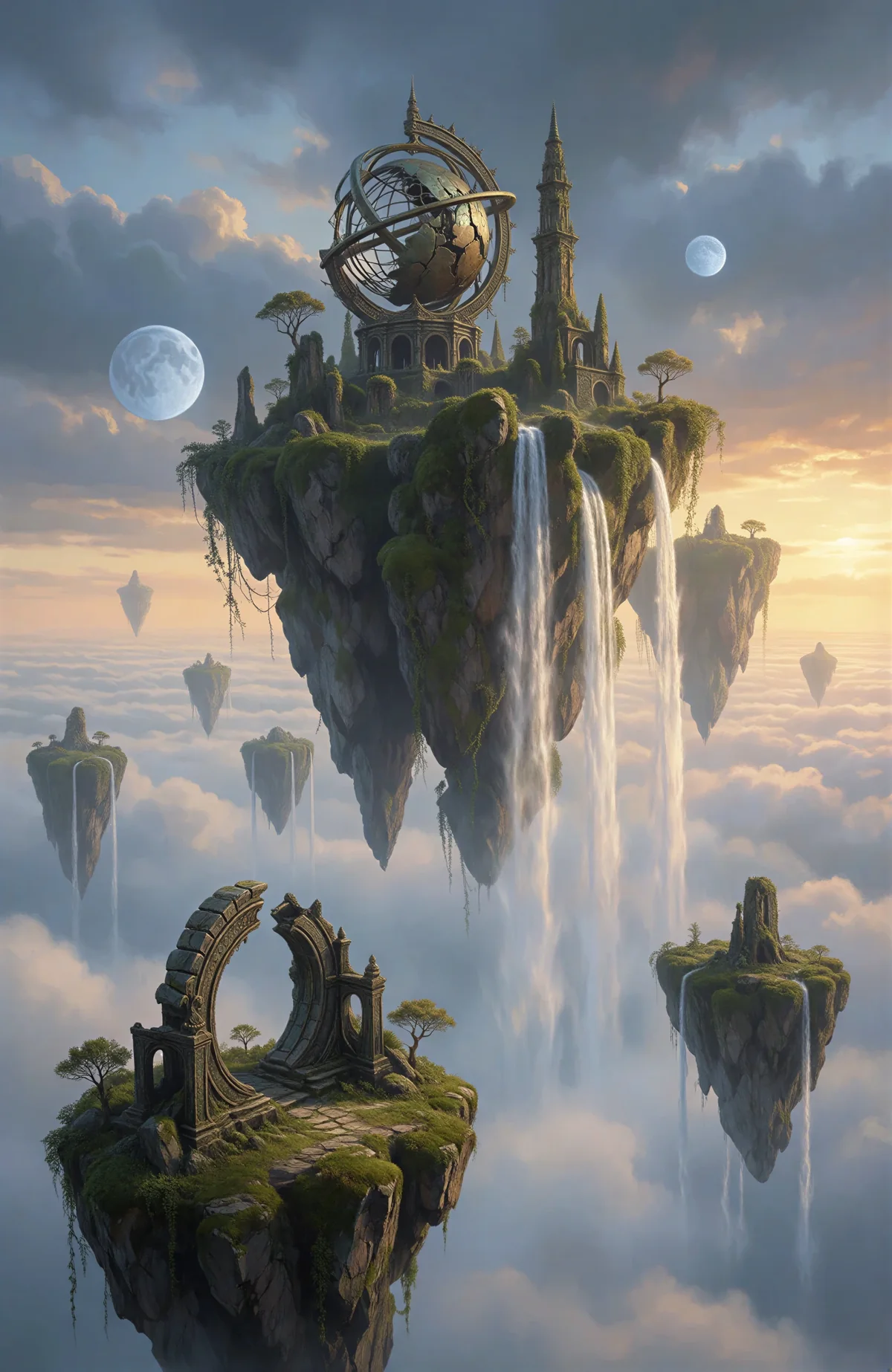
Experience the next generation of AI image generation with the Mind Forge AI Image Generator — multiple models, flexible settings and personal history.
Transparent Credit Usage
Sign in to generate. See the credit cost before submitting; confirmed failures are refunded.
State-of-the-Art Quality
Choose the model that fits your project, with reference-image editing and adjustable output settings.
Advanced Text Understanding
Superior text-to-image capabilities with accurate interpretation of complex prompts and text overlay features.
Lightning-Fast Generation
An optimized inference pipeline delivers images in seconds and lets you generate up to 4 at once.
Enhanced Privacy Protection
A minimal data collection approach keeps the focus on your creativity and your privacy.
Multi-Style Support
Create images across artistic styles, from photorealistic to anime, oil paintings to digital art.
Advanced Features
Advanced Features of Mind Forge AI Image Generator
Experience the power of Mind Forge AI Image Generator with advanced AI creation and editing tools
Speed
Lightning Fast Generation
Turn an idea into a beautiful image in seconds. Generate multiple images per prompt for rapid prototyping and creative workflows, without compromising quality.
Credit packs
Use credits for generation. Costs are shown before submission; confirmed failures are refunded.
Loading…
FAQ
Frequently Asked Questions — AI Image Generator
Everything you need to start creating.
1What is Mind Forge AI and how does it work?
Mind Forge AI is an AI image generator that turns text descriptions into images. Enter a detailed prompt, choose a model and image settings, then generate your creation.
2How are generations charged?
Generation requires account credits. Each request shows its cost before submission. New accounts start with zero credits.
3What makes Mind Forge AI different from other AI image generators?
The interface brings multiple image models, reference-image editing, creative styles and image tools together in one place.
4Do I need to create an account to use Mind Forge AI?
You can browse without an account. Sign in with Google or email to generate and view your own history.
5What types of images can I create with Mind Forge AI?
Photorealistic scenes, artistic illustrations, digital art, anime-style images, product photographs and more.
6How does Mind Forge AI protect my privacy?
Reference images are previewed locally. When you generate, they are uploaded to APIMart for processing under the provider’s storage and privacy policies.
7Are there any limitations to using Mind Forge AI?
Model capabilities, resolution, speed and generation limits depend on the provider and plan you use.
8Can I use the generated images commercially?
Commercial usage depends on the selected model, provider terms and applicable rights. Review those terms before commercial use.
9Is Mind Forge AI available on mobile devices?
Yes, this interface adapts to mobile, tablet and desktop browsers.
10How can I provide feedback or report issues?
Contact the administrator with your task ID and a description of the issue. Never share API keys or passwords.
 Mind Forge AI